Genres
Simulator, Strategy, Hack and slash/Beat 'em up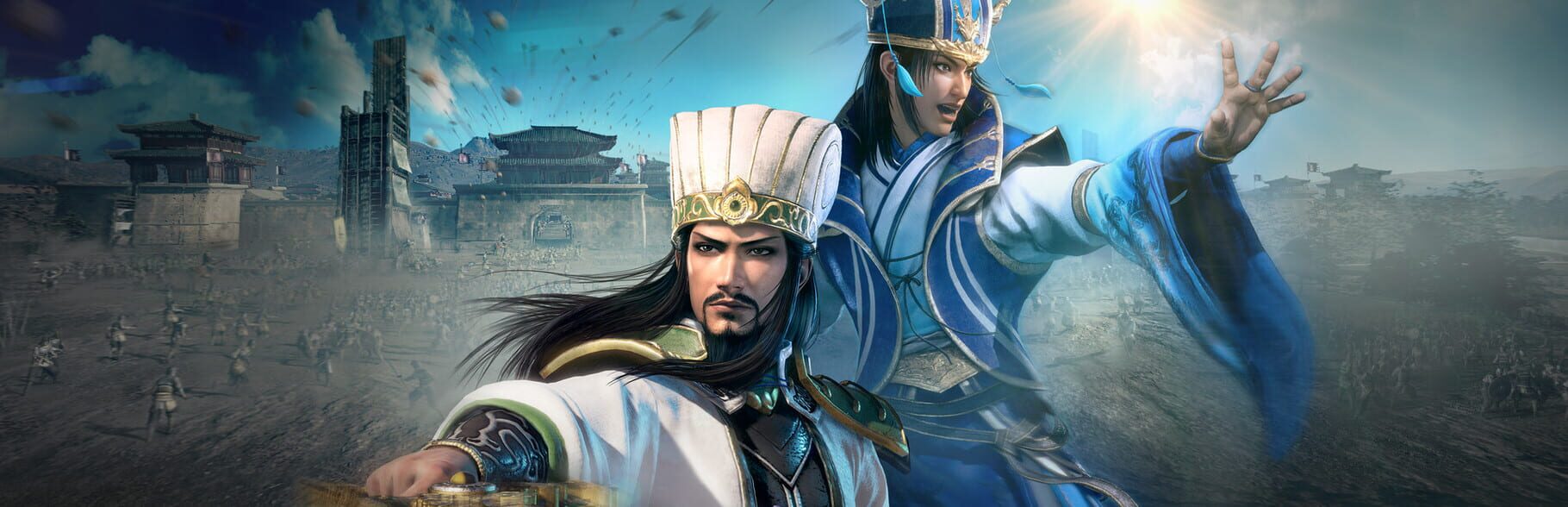
Platforms
Google Stadia, Xbox Series X|S, PlayStation 4, PC (Microsoft Windows), PlayStation 5, Xbox One, Nintendo SwitchDeveloper
Omega ForceRelease date
December 23, 2021Official links
Game overview
About the Game
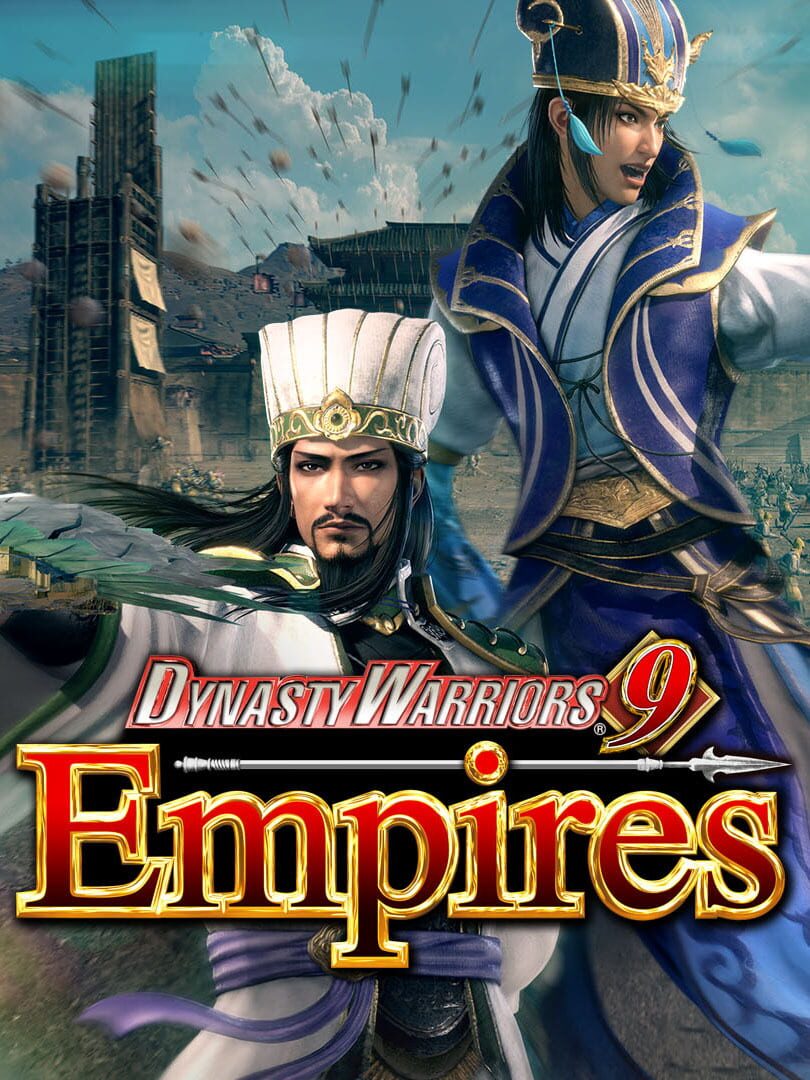
Combining the 1 vs. 1,000 action of Dynasty Warriors with the addition of strategic elements, including unit command, Dynasty Warriors 9 Empires sets players on a quest to conquer ancient China by both sword and strategy. Powerful Siege Battles enable commanders to deploy units to capture strategic points on the map like castles. Experiencing high-stakes fights at every turn, players can now take control of these central points on the battlefield through the use of fire attacks or other stratagem, siege weapons, and, at times, simply by force as commanders execute their strategies and attack enemy troops by issuing vital commands to units throughout the skirmish.
Media gallery
Screenshots
Featured video
Gameplay Trailer
PC requirements
System Requirements
Entry specification
Minimum
- Requires a 64-bit processor and operating system
- OS
- Windows® 10, 64bit
- Processor
- Intel Core i5 4460 or over
- Memory
- 6 GB RAM
- Graphics
- NVIDIA GeForce GTX 760(2GB) / AMD Radeon R7 370(4GB)or over
- DirectX
- Version 11
- Network
- Broadband Internet connection
- Storage
- 50 GB available space
- Sound Card
- 16 bit stereo, 48KHz WAVE file can be played
- Additional Notes
- Set the graphics quality to Low from "Graphics Settings (Advanced)". This will automatically adjust the settings @ 1280x720.
Smoother 1080p play
Recommended
- Requires a 64-bit processor and operating system
- OS
- Windows® 10, 64bit
- Processor
- Intel Core i7 3770 / AMD Ryzen 5 2600 or over
- Memory
- 8 GB RAM
- Graphics
- NVIDIA GeForce GTX 1660 / AMD Radeon RX 5600 XT or over, VRAM 6GB or over
- DirectX
- Version 11
- Network
- Broadband Internet connection
- Storage
- 50 GB available space
- Sound Card
- 16 bit 5.1ch surround, 48KHz WAVE file can be played
- Additional Notes
- Set the graphics quality to High from "Graphics Settings (Advanced)". This will automatically adjust the settings @ 1920x1080.
Recommended games